
Capture. Code. Analyse. Present.
The video analysis app for Mac, built by analysts.
We built Angles with a singular focus: creating the ultimate tool for performance analysts. Developed on Apple's latest frameworks and optimised for every macOS release, Angles delivers a modern and powerful experience that stays ahead of the curve. You'll never be told not to update your OS.
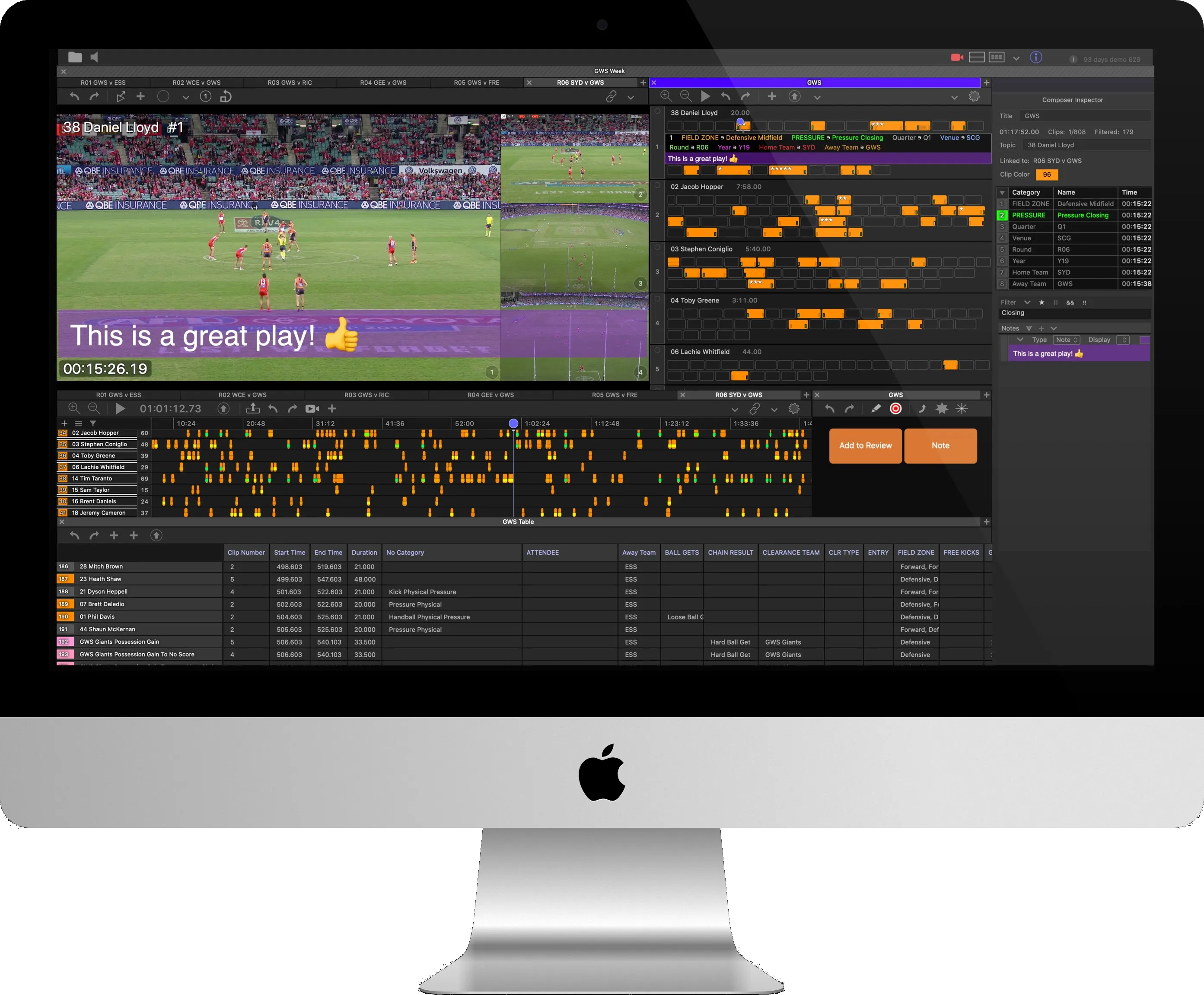
See Angles at Work.
Keep the whole job in one window, capture straight into Angles, arrange every angle your way, code the event in a MarkUp, turn your formulas into live stats, and present it all from the Composer.
One Analyst or a Whole Department.
Angles works the same whether you are the only analyst at the club or one of a team. Start on your own, grow into a department, and never change the way you work.
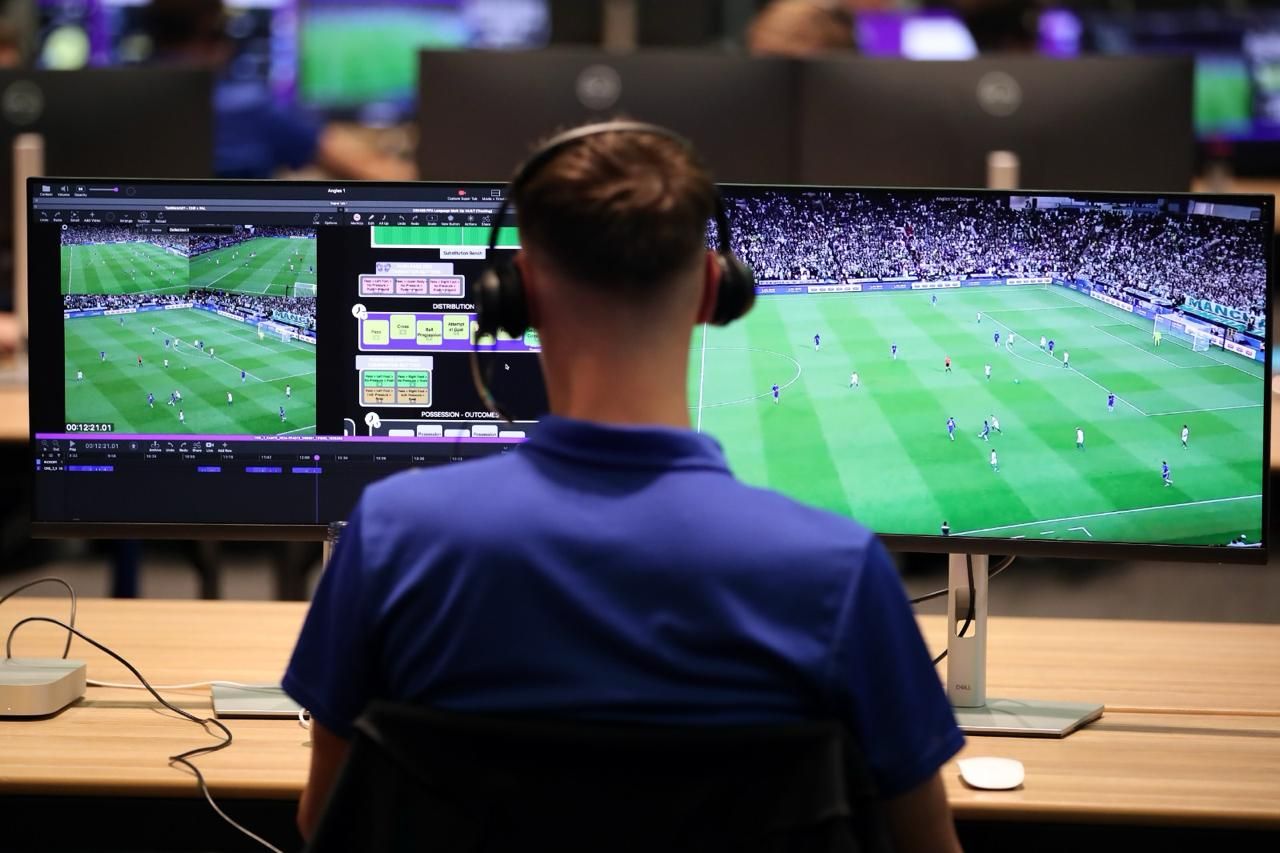
On Your Own
One Mac does the whole job. Capture, code, analyse and present from a single window, while button actions, workflows and filter formulas that count as you code do the work of extra hands.
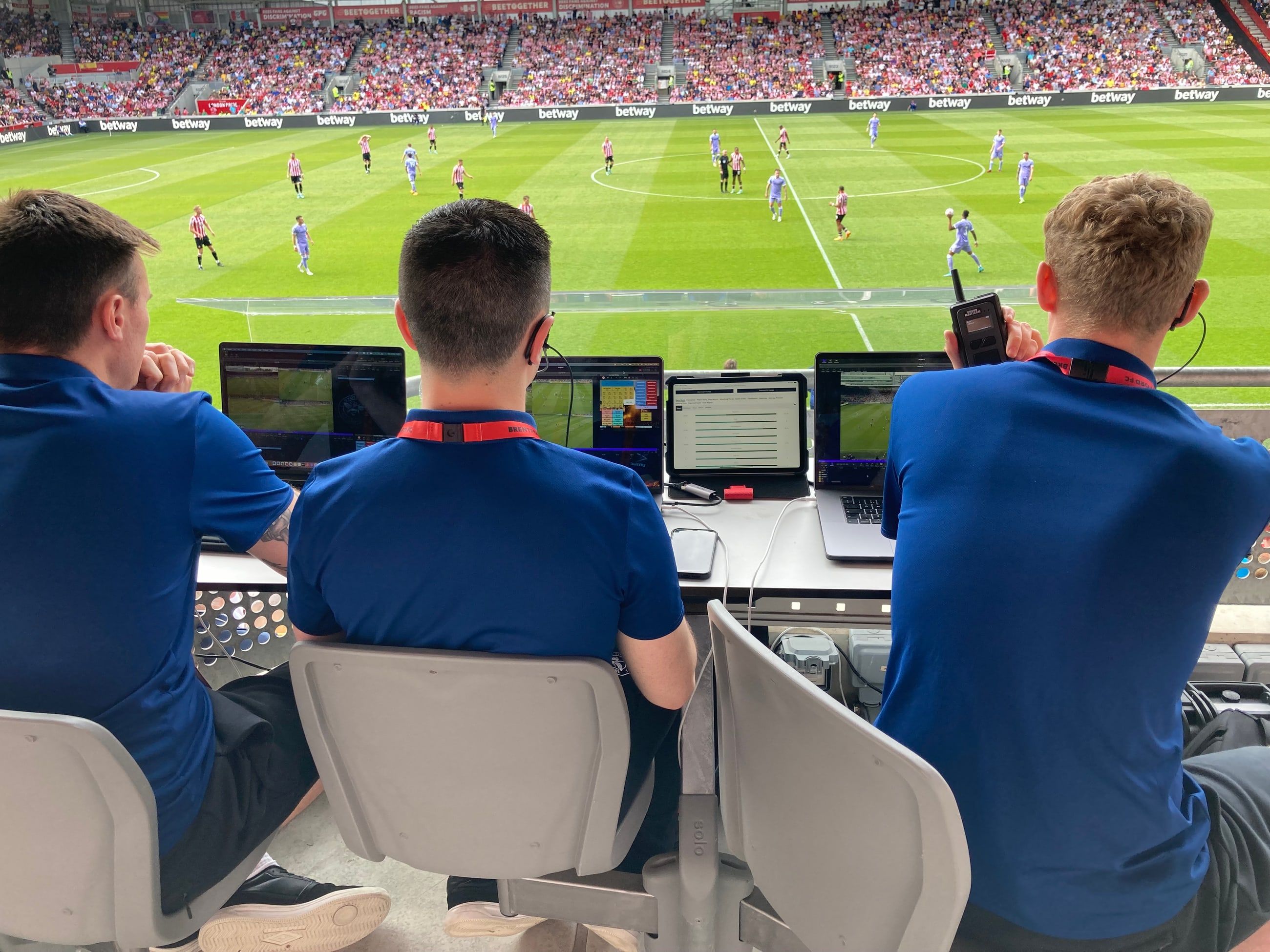
With a Team
Share a MarkUp so everyone codes the same way. Keep vaults on a shared file server so the whole department works from the same footage and data, send timelines, Composers and MarkUps by AirDrop, email or message straight from the toolbar, and drop a colleague's Composer onto yours to merge the clips.
MarkUp Built for Speed.
Buttons in Angles do more than mark clips. With 25 button actions, one press can bring buttons forward, send others back, centre the view, fire the right button for a shared shortcut key, or run a whole workflow.
Make the Timeline Work for You.
The timeline is where your coding lives. Bring in coding from other apps and slip it into sync, filter it down to what matters, lock the best angle to a clip, gather clips into archives, and trim the movie down to what you coded.
More Than a Presentation.
Most editors stop at presenting clips. The Angles Composer is also where you sort and sift them. Pour in clips by the hundred and filter them down, lock the best angle to each clip, stop on the moments that matter, then export the finished cut or send it to Amplify.
Data Driven Workflows.
Bring in video and data from the tools you already use, and send your coding out to the ones you report with. Angles cleans up movies as they import, and its exports are made to be read by scripts, spreadsheets and AI chatbots alike.
"row_name": "Shot",
"row_category": "Fulcrum",
"clips": [{
  "time_start": 1834.62,
  "time_end": 1839.62,
  "stars": 2,
  "qualifiers": { "qualifiers_array": [{
    "name": "Made", "category": "Result", "time": 1837.62,
    "qualifier_attributes": [
      { "name": "Court", "category": "Location", "x": 37, "y": 26 },
      { "name": "#23 SF", "category": "Player" }
    ]
  }]}
}]
Work From Anywhere.
Angles plays HLS streams from any service and can localise from those you manage. Setting up your own S3 or Azure storage is quick and inexpensive. Paste the link into Angles anywhere in the world, start Angles Sync, and every clip coded at the venue or remotely reaches every analyst within seconds. For the smoothest workflow, Piston uploads every angle from the venue as it records.

Get Leverage.
Stop fighting your desktop and start analysing. Join the clubs and federations moving to a modern, Mac-native workflow that turns video into a professional dataset in half the time.